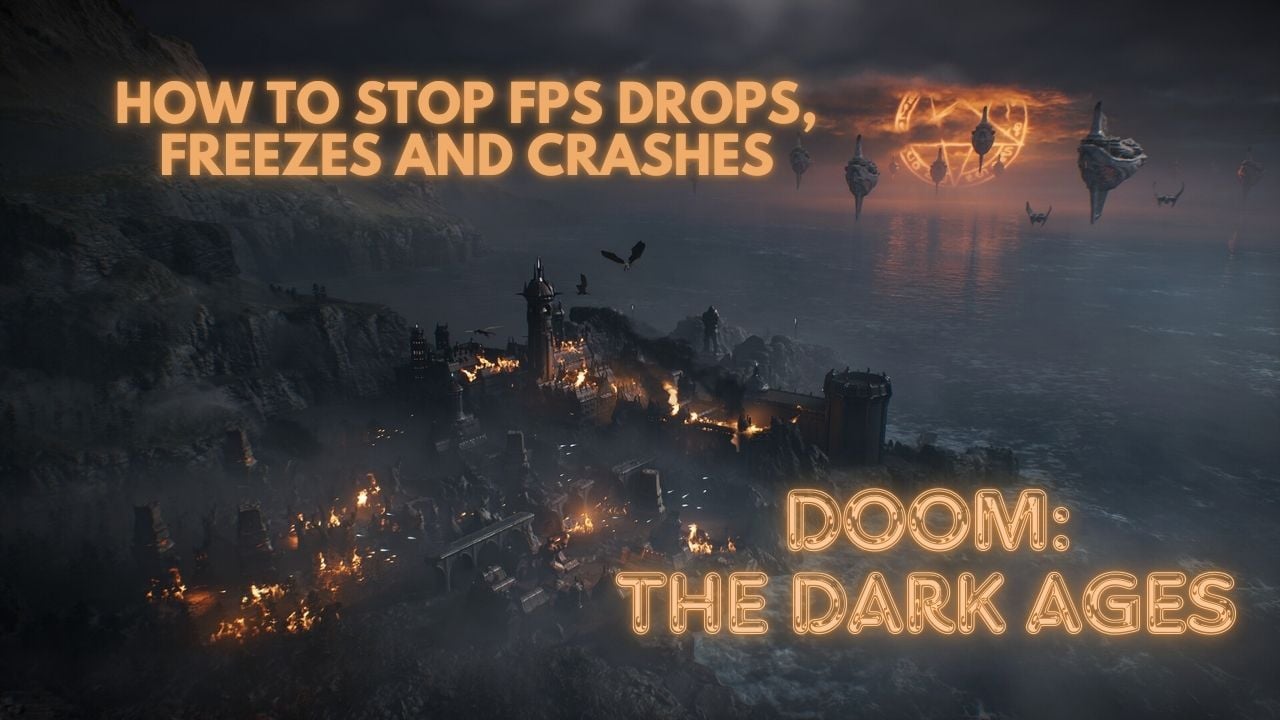
DOOM: The Dark Ages launched early on May 12 for Premium and Collector’s Edition owners, with the full release on May 14.
While the game generally runs smoothly across various hardware setups, some players are experiencing crashes or black screens at launch.
These issues are expected to be patched soon, but in the meantime, here are a few fixes you can try to get things running smoothly.
1. How to fix Doom: The Dark Ages performance issues on PC?
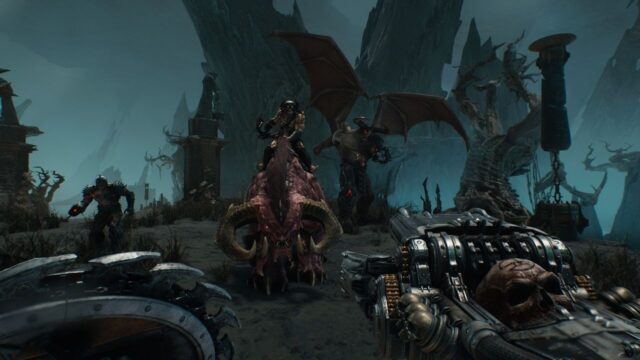
Doom: The Dark Ages is currently experiencing freezing and crashing issues on PC, with many cases linked to the latest NVIDIA drivers. id Software is aware and working with hardware partners on fixes.
Some issues can be mitigated with manual settings adjustments, but others require driver or firmware updates.
To fix FPS drops, freezes, and crashes in Doom: The Dark Ages, try rolling back to a stable GPU driver. Adjust the TDR settings in the Windows Registry to give the GPU more time before a reset.
On systems with both AMD and NVIDIA GPUs, disabling the AMD adapter can prevent the game from using integrated graphics. Also, make sure your system meets the minimum requirements—an NVMe SSD is essential, as not having one can lead to unresponsiveness.
i. Common Fixes for Doom: The Dark Ages Crashing/Freezing Problem
Here are several tips to improve performance and stability until Bethesda releases a day-one patch expected to address most PC optimization issues:
- Verify Game Files
- Open your game launcher (Steam, Xbox App, or Battle.net).
- Navigate to the game’s properties/settings.
- Click “Verify integrity of game files.”
- Wait for the scan to complete and repair any issues.
- Update or Roll Back GPU Drivers
- Uninstall current drivers completely using Display Driver Uninstaller (DDU).
- For NVIDIA, use driver version 576.40 or try rolling back to stable versions like 572.83 or 576.28 if crashes persist.
- For AMD, use version 25.5.1 or newer.
- After installation, restart your PC.
- If problems continue with new drivers, try rolling back to an earlier version via Device Manager or by manually downloading older drivers from the manufacturer’s website.
- Adjust In-Game Settings
- Lower graphics settings, such as shadows, reflections, and texture quality.
- Disable Frame Generation temporarily.
- Cap FPS at 60 to stabilize performance and prevent crashes caused by frame spikes.
- Disable V-Sync to reduce system load and improve responsiveness.
- Switch to Borderless Windowed mode for better stability.
- Disable Overlay and Background Apps
- Turn off overlays such as Discord, GeForce Experience, and Steam Overlay.
- Disable NVIDIA Reflex, which has been linked to freezing for some users.
- Restart the game and test for improvements.
If these fixes don’t work, take a look at the table below for specific issues and their solutions.
ii. List of Issues and Solutions for Doom: The Dark Ages

| Issue | Affected Users | Resolution / Workaround |
| Game crashes with G-Sync + V-Sync + Multi Frame Generation | RTX 50 series (NVIDIA) | Disable one setting in NVIDIA Control Panel, or enable all in-game. |
| V-Sync appears enabled with FrameGen | RTX 40/50 series | Cosmetic only: V-Sync is disabled by the game. |
| Alt-Tab during launch causes background launch | NVIDIA GPUs | Avoid Alt-Tab during launch; restart PC if it happens. |
| System hangs with Shadowplay recording + MFG 3x/4x | RTX 50 series | Use different MFG settings or a recording tool. |
| OBS capture freezes on Alt-Tab from Fullscreen | OBS users | Use Windowed or Borderless mode. |
| The game locks when resizing the window with FSR FrameGen | FSR users | Avoid resizing the window with FrameGen enabled. |
| Game freezes when unplugging 2nd monitor | Multi-monitor setups | Don’t unplug monitors during gameplay. |
| Crashes with MSI Afterburner/RivaTuner | Overlay users | Disable these overlays before launching the game. |
| Persistent crashes on Intel 13th/14th gen CPUs | Intel 13th/14th gen CPUs | Possible hardware defect – contact Intel Support. |
By following these tips, you can significantly improve stability and performance in Doom: The Dark Ages. If issues persist, keep an eye on official patches or community forums for further updates and fixes.
Now go unleash Hell, Doom Slayer!
2. About Doom: The Dark Ages
Doom: The Dark Ages is an upcoming first-person shooter developed by id Software and published by Bethesda Softworks. It serves as a prequel to the 2016 reboot of the Doom series and its sequel, Doom Eternal. The gam will be released on May 15, 2025, on platforms like PlayStation 5, Xbox Series X|S, and Windows PC. It serves as a prequel to the 2016 Doom reboot, introducing a darker, medieval-inspired setting focusing on melee combat and shield parrying, offering a shift from the fast-paced action of its predecessors.





No Comments on Doom: The Dark Ages Not Launching? Here’s How to Stop FPS Drops, Freezes & Crashes